*** NEWBLUE NEWS CENTER *** (updated every 30 minutes)
i love this woman! She's everything our politician's aren't -- appropriately |
|
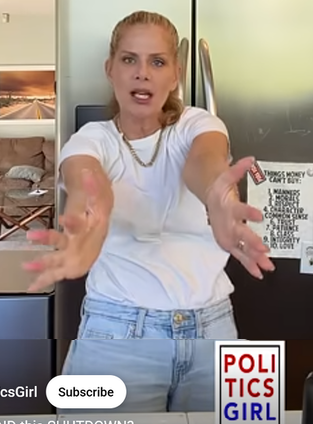
POLITICS GIRL
he's one |
|
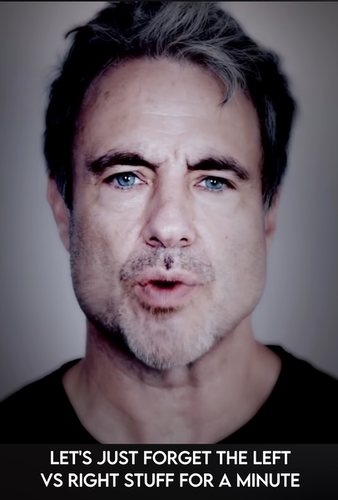
MATHEW COOKE
"hey, where did we go...my |
|
hope for, |
|
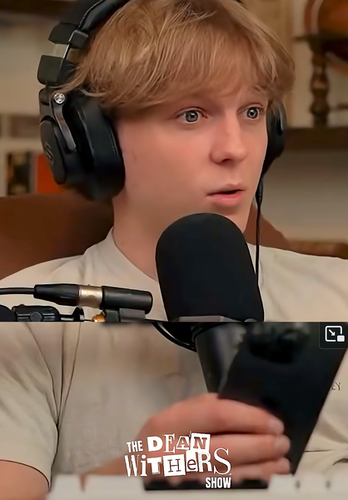
the original |
|

THE DAILY SHOW

A better way to browse. Learn more.
A full-screen app on your home screen with push notifications, badges and more.
*** NEWBLUE NEWS CENTER *** (updated every 30 minutes)
i love this woman! She's everything our politician's aren't -- appropriately |
|
he's one |
|
"hey, where did we go...my |
|
hope for, |
|
the original |
|
This site uses essential cookies for login, navigation, and security.